Maverick Render 2026.1 - Spinners
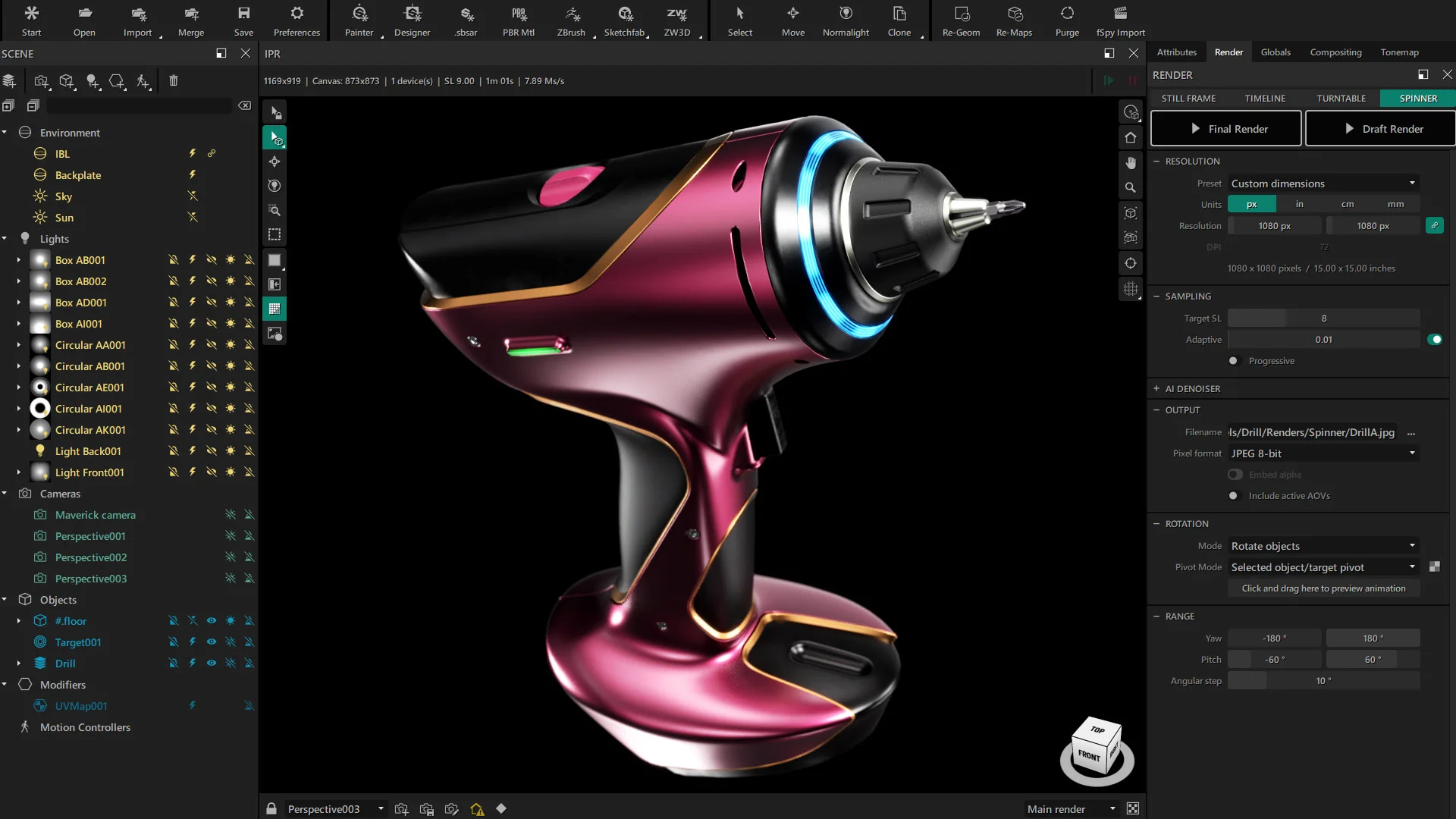
Maverick Render 2026.1 brings a highly anticipated feature for e-commerce and product visualization: the new Spinner render mode.
If you've ever struggled with presenting products on a website, you know the dilemma: do you offer an interactive 3D experience at the cost of visual quality, or do you stick to stunning, but limited, static renders? With our latest release, you no longer have to compromise.
The Problem with Traditional Web 3D Viewers
Until now, interactive 3D visualizers for web pages relied on real-time rendering engines. While they allow users to rotate the model, they are often technologically poor when it comes to realism. To run smoothly in a web browser, materials lose their intricate details, global illumination is drastically simplified, and accurate refractions or reflections simply disappear. The result is a flat, compromised representation that fails to do justice to the premium finish of your actual product.
The Spinner Solution: Interactivity Meets Photorealism
The Spinner mode offers a practical and elegant alternative. Instead of calculating low-quality graphics in real time, Maverick renders a matrix of ultra-high-quality, photorealistic images from multiple angles.
By introducing a small, lightweight JavaScript code that we generate automatically, these pre-rendered frames are loaded onto your website seamlessly.
A Flawless User Experience
For your website visitors, the experience is incredibly smooth. They can click and drag to navigate around the product interactively, exactly as if they were handling a virtual 3D model.
Take a look at these two product examples we have prepared. Go ahead and drag them around to see the spinners in action:
- Full Freedom: Users can spin the product both horizontally (a full 360 degrees) and vertically to inspect every angle.
- Uncompromising Quality: Unlike real-time engines, what they are seeing is pure Maverick photorealism, with perfect lighting, complex materials (like polished metals, jewelry, or glass), and pinpoint details.
- Zero Hassle: Because the viewer relies on a lightweight JavaScript snippet loading rendered frames, users don't need to install heavy plugins, and there are no massive 3D geometry files to download.
See It In Action
Adding this technology to your web presentations is straightforward. We've prepared a detailed video tutorial showing exactly how the new Spinner mode works and how you can export your first interactive web viewer in minutes.
--
As always, thanks for watching!