Multiclone
Dear Maverick users,
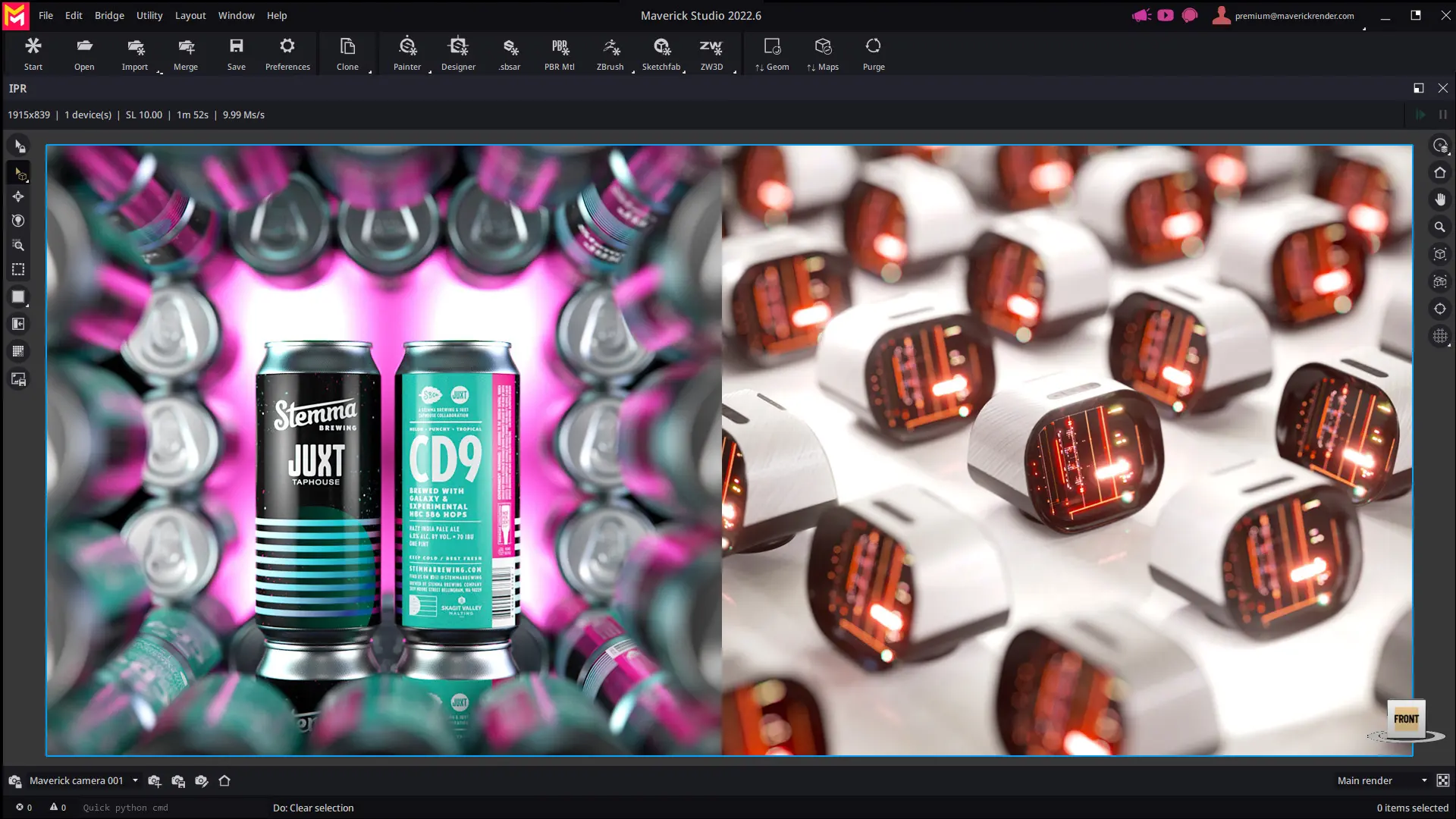
We are proud to announce that we just released Maverick Studio/Indie 2022.6.
Alongside several other improvements, the highlight of this release is the new multiclone feature.
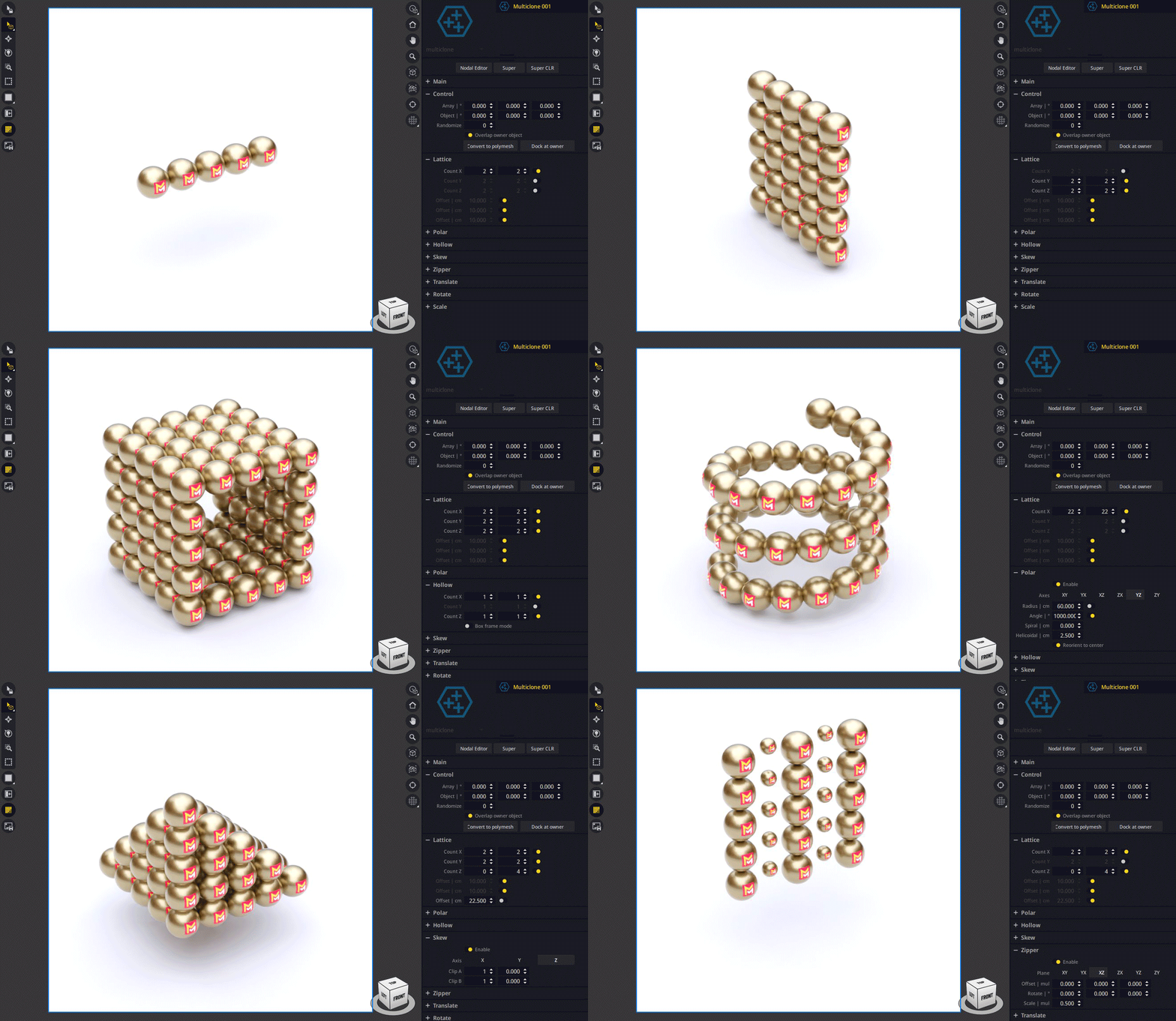
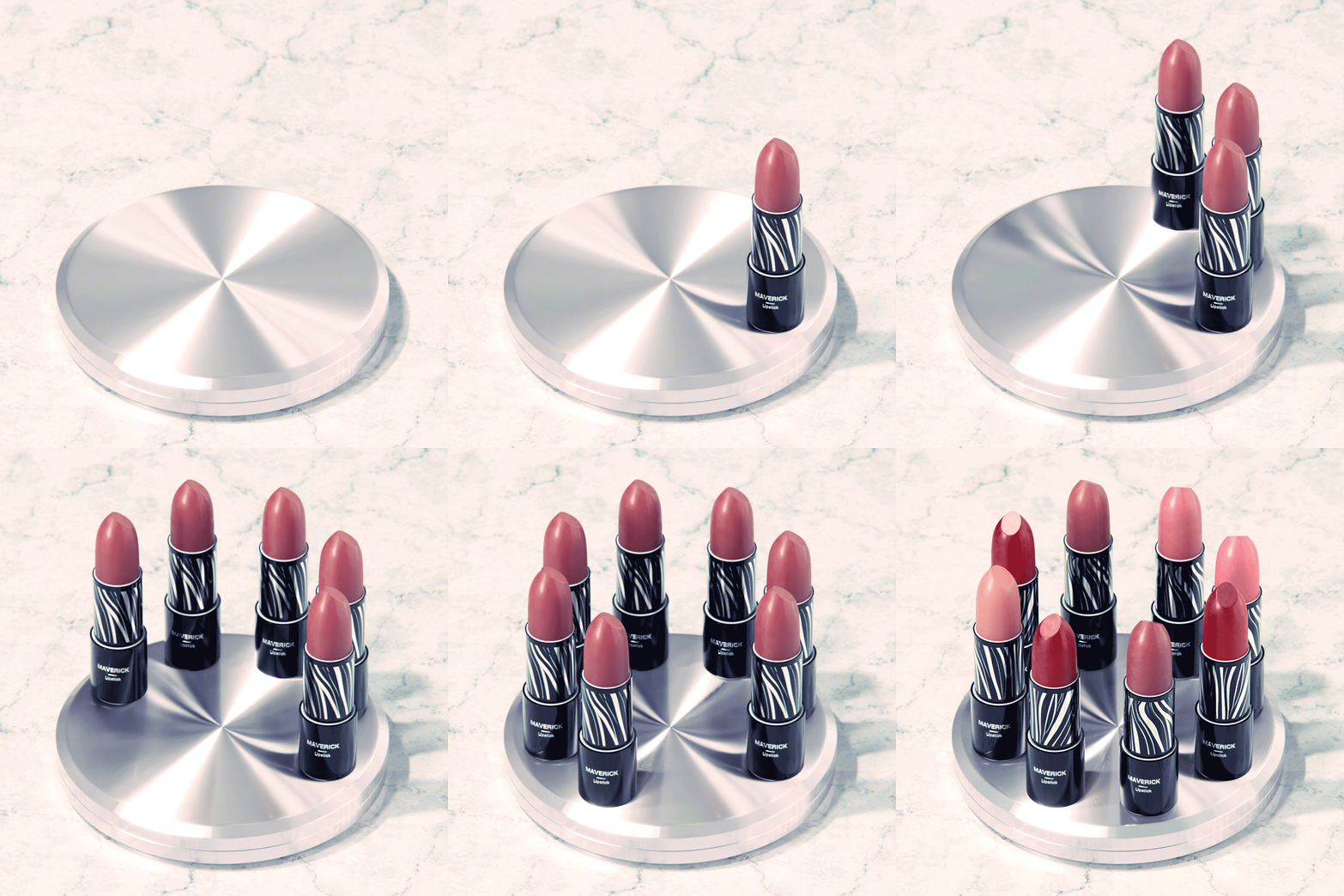
A GIF is worth a thousand words, and this GIF below is a perfect illustration of the capabilities of the new multiclone modifier:
Multiclone
But what is multiclone?
The multiclone modifier is a specialized variant of the scatter feature that, once attached to an object, spawns a number of instanced clones and arranges them in a linear or polar lattice. It can be regarded as a much more feature-rich companion to the regular clone operation in Maverick.
Note that multiclone is a Studio-only feature (i.e., not included in Indie).
This is ideal to elegantly showcase multiple products in a single shot, create piles of items, etc...
It is important to remark that multiclone is real-time and takes up zero GPU memory. This is because under the hood multiclone is fed by the same instancing system we're using for other features such as scatter. That is, the clones you're producing are rendertime-only instances of the source object. The node provides, however, a Convert to polymesh button that consolidates the spawned instances into physical objects in case that you explicitly want to move, edit or delete them individually.
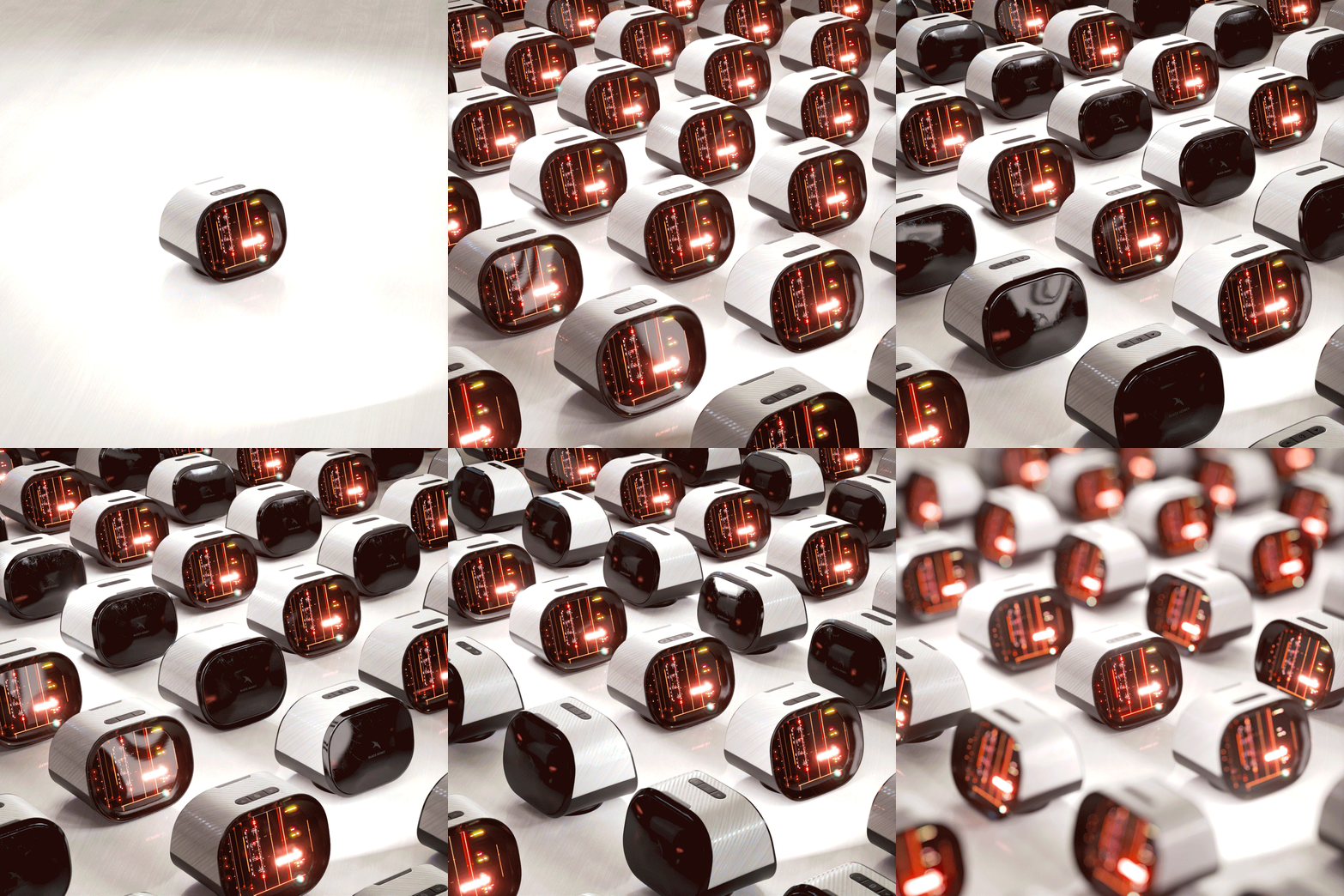
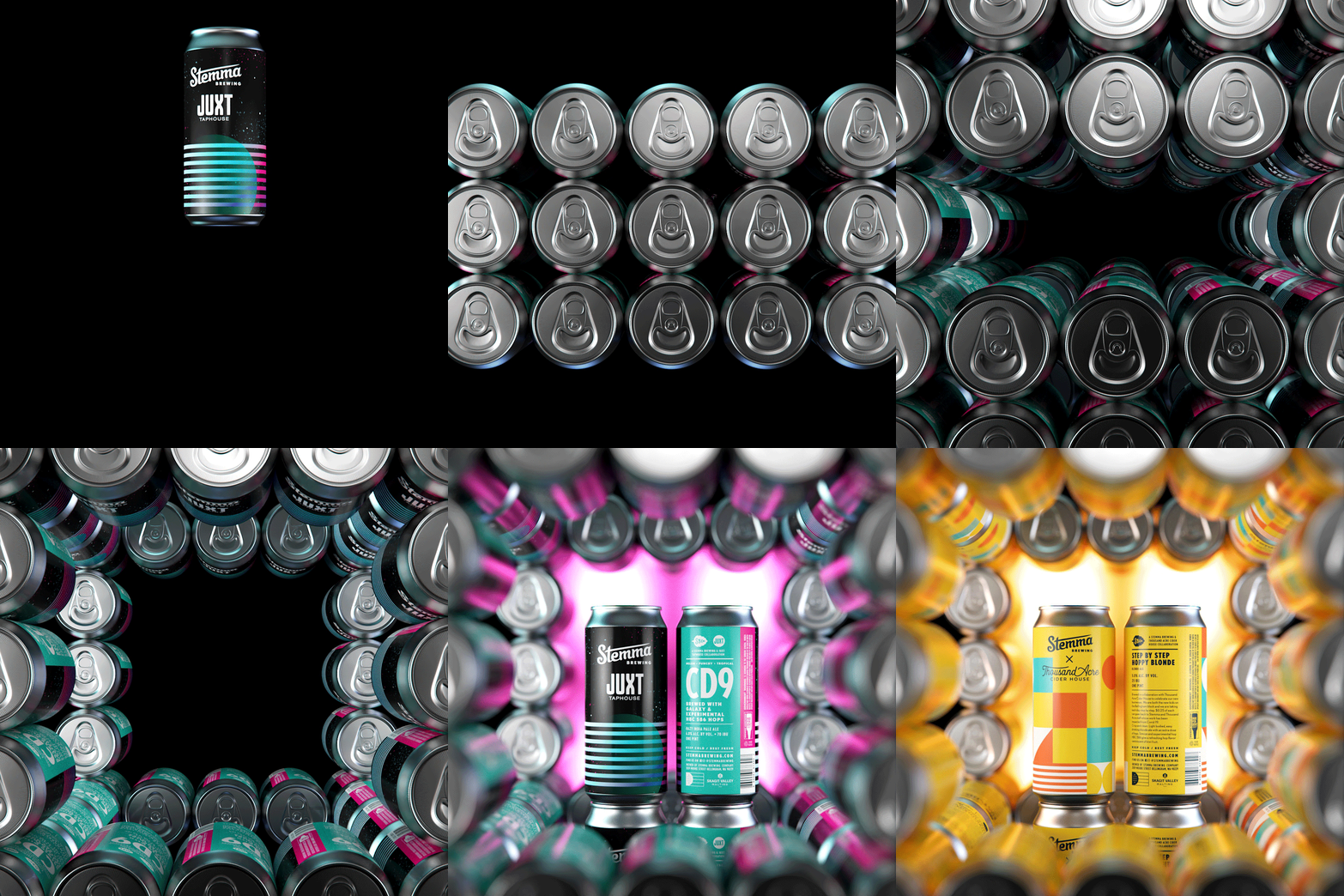
These three presentations below are examples created with multiclone:
Video Tutorials
As usual, we are accompanying this release with video-tutorials that go through all the new features.
This first one is an introduction that reviews the node, attribute-by-attribute.
These other three videos are real use cases. The last one (Stemma cans) has been included in the set of sample scenes that are installed alongside Maverick Studio.
--
If you are considering to buy a new license of Maverick Render, or renew your existing one, stay tuned for our Black Friday promotion, which we will announce (mailing and social media) next week.
Thanks for watching!