Scatter
Dear Studio and Indie users,
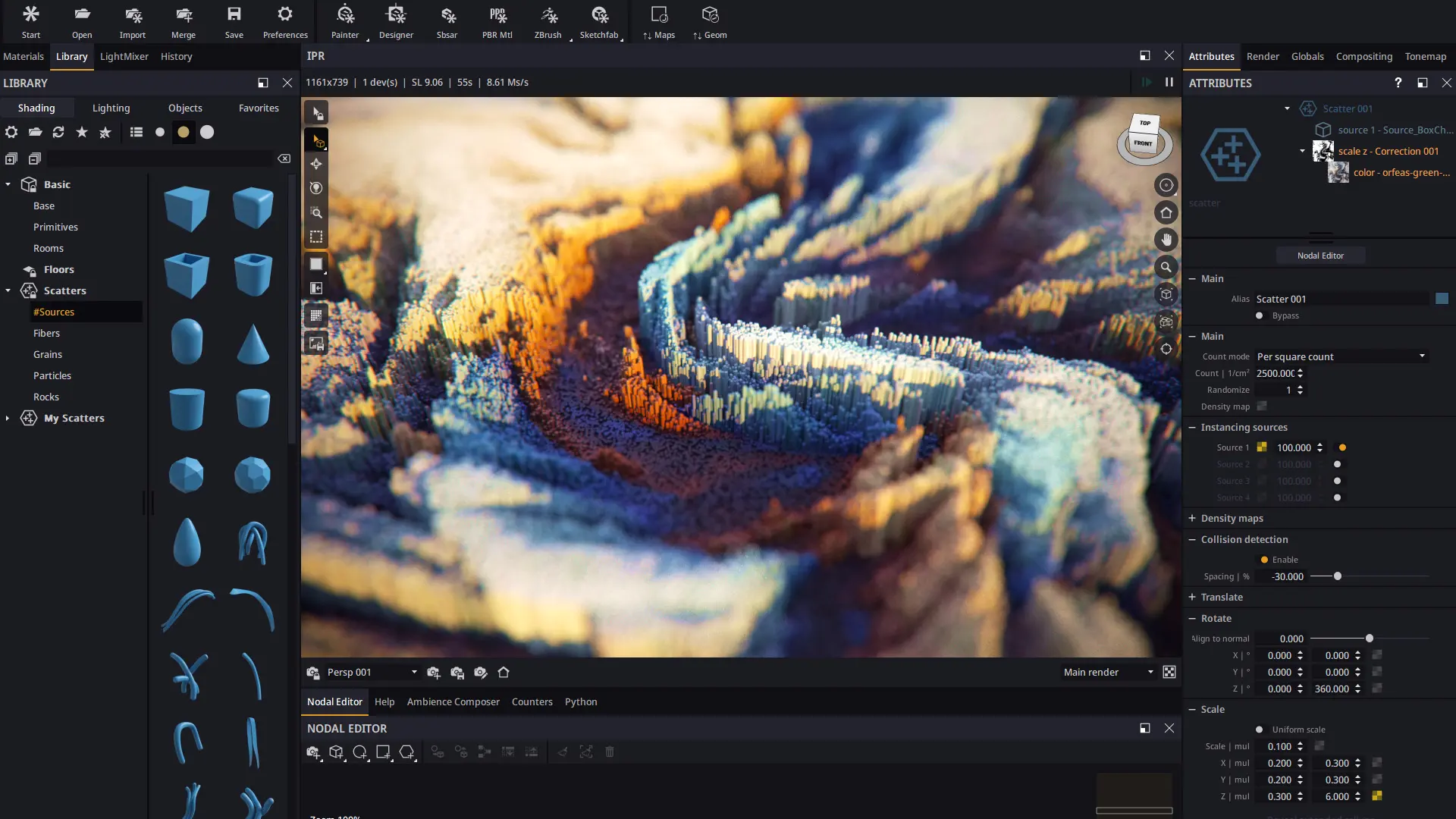
We are extremely proud of the work we've done with scatter in this release. Scatter is one of those features that beautifully combine complexity and flexibility and open the door to a new range of images that were never practical or even possible before.
Our scattering system is based on instancing, so it allows for MASSIVE populations with a very modest memory foot-print. Scatter generation is also pretty efficient. Render times are nearly identical as if real geometry was used, but with the far lower memory usage. All of this is put to good display in the video-tutorials we have created to accompany this release, which links you will find at the end of this post.
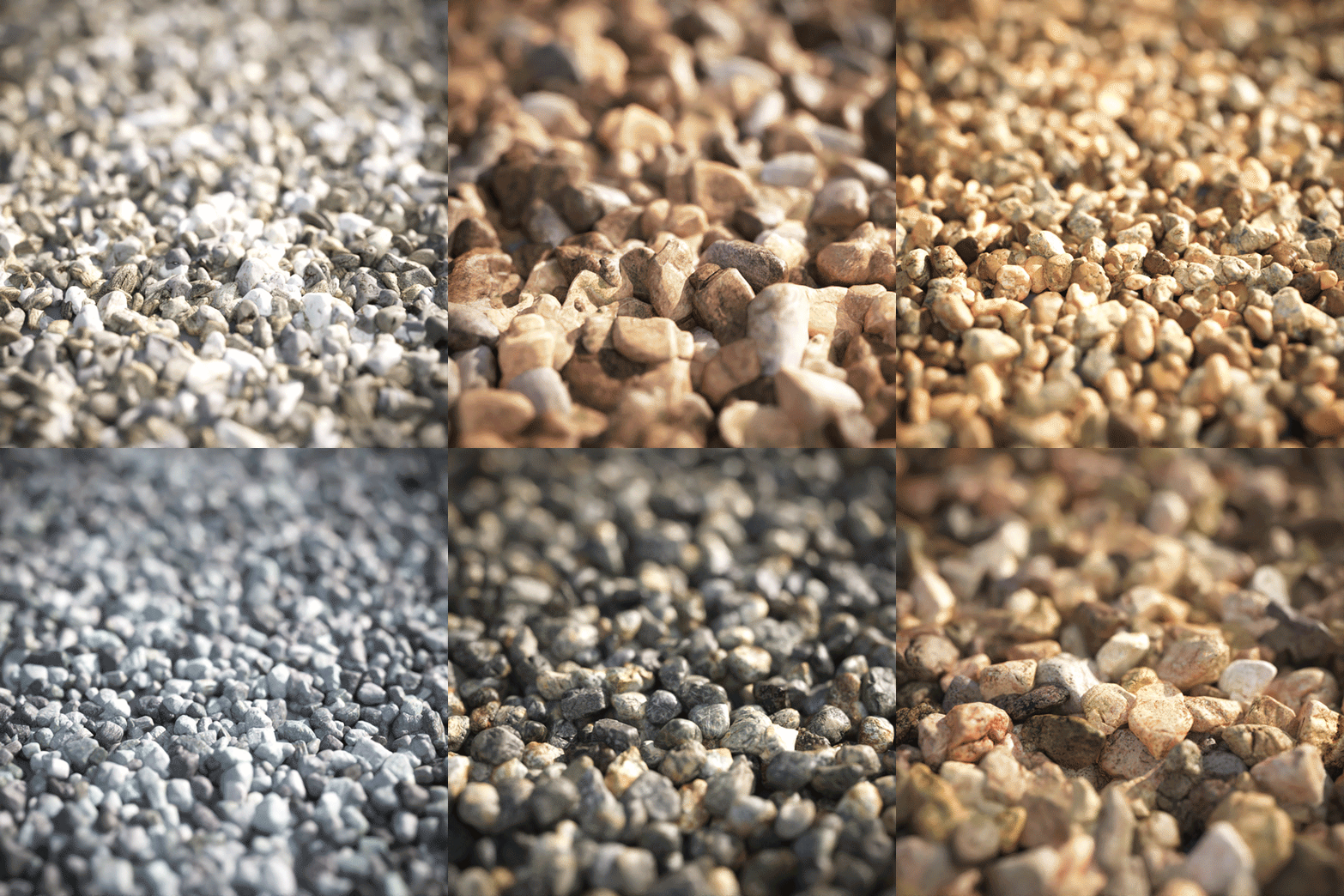
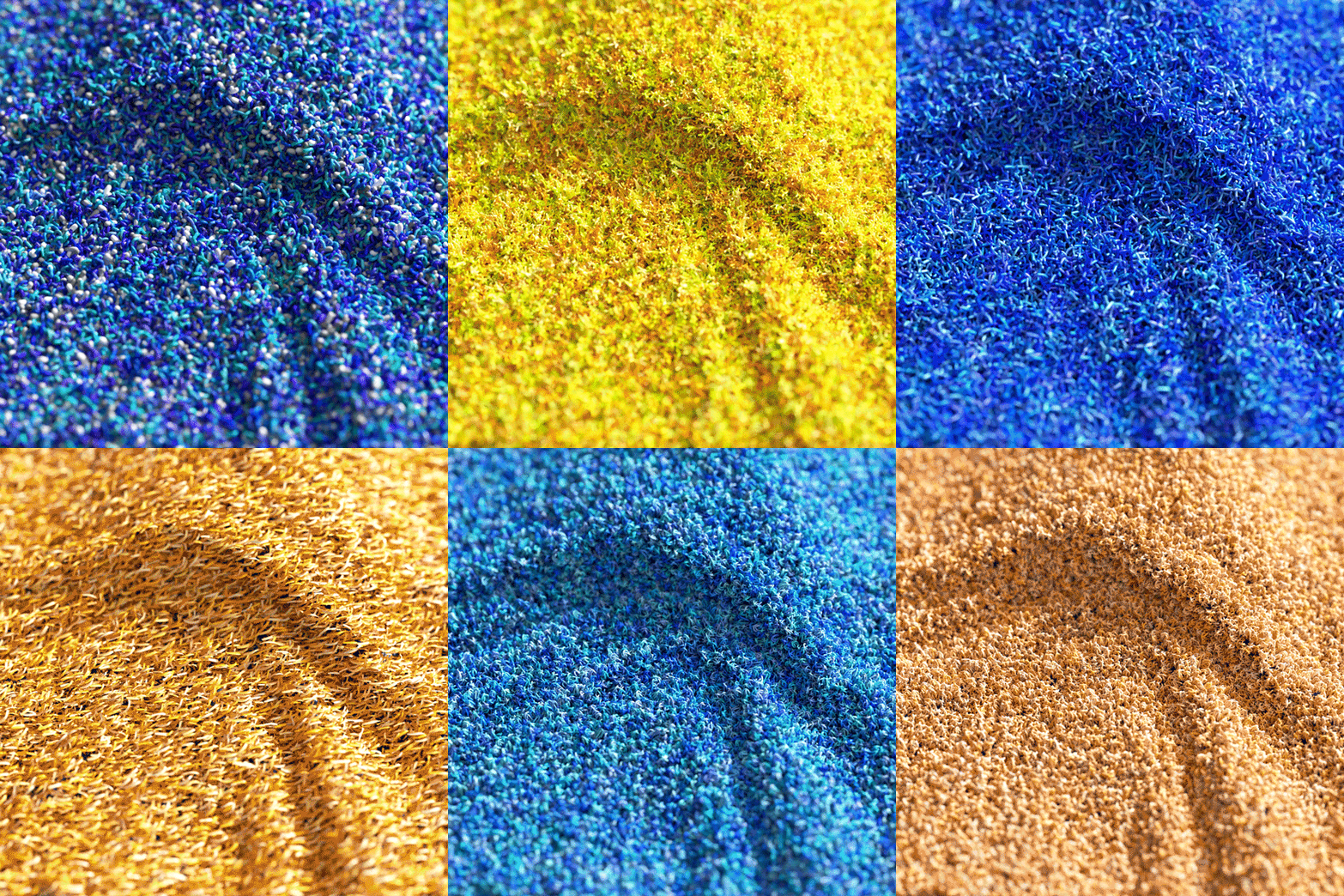
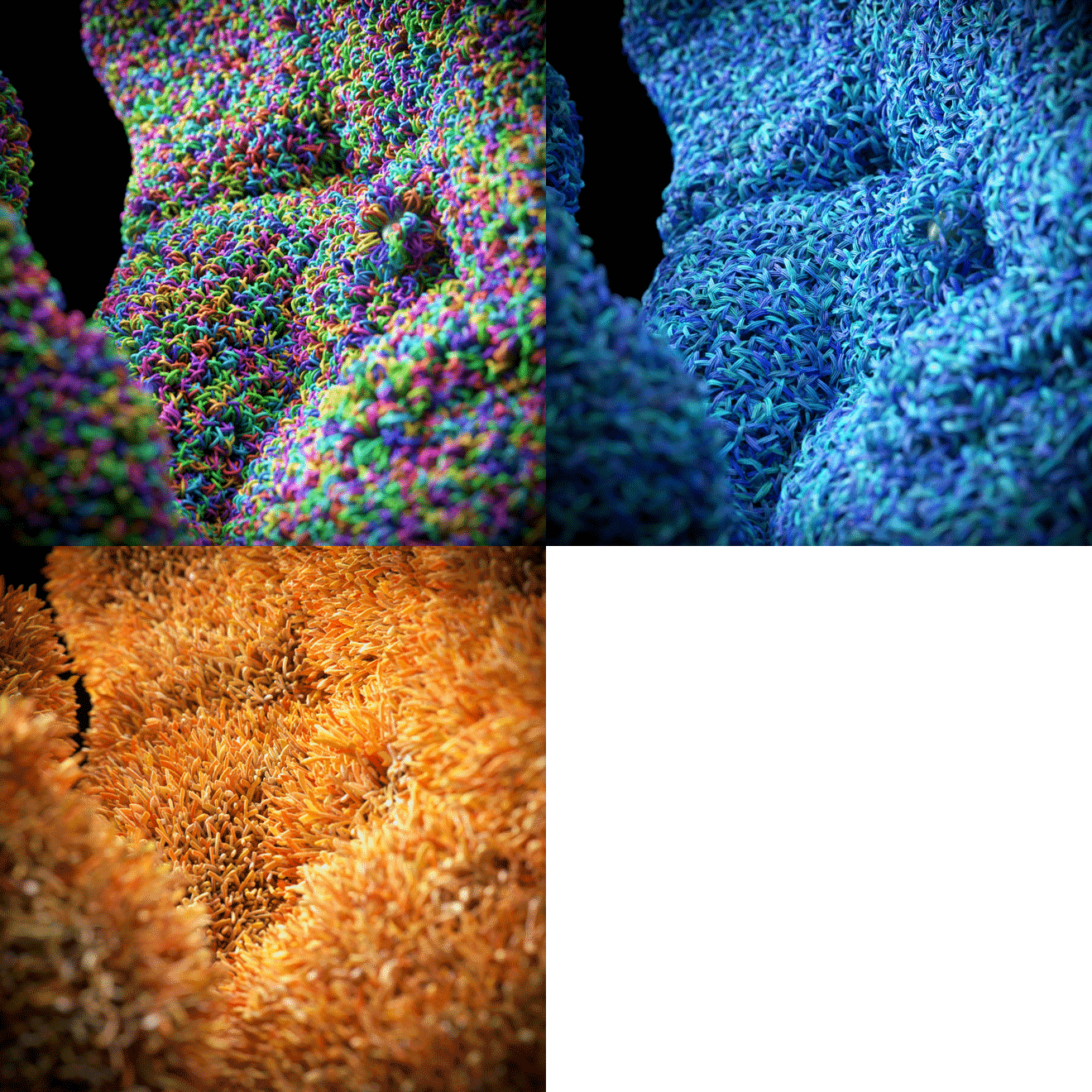
Before getting into some more technical details, please enjoy these images we did to showcase the feature:


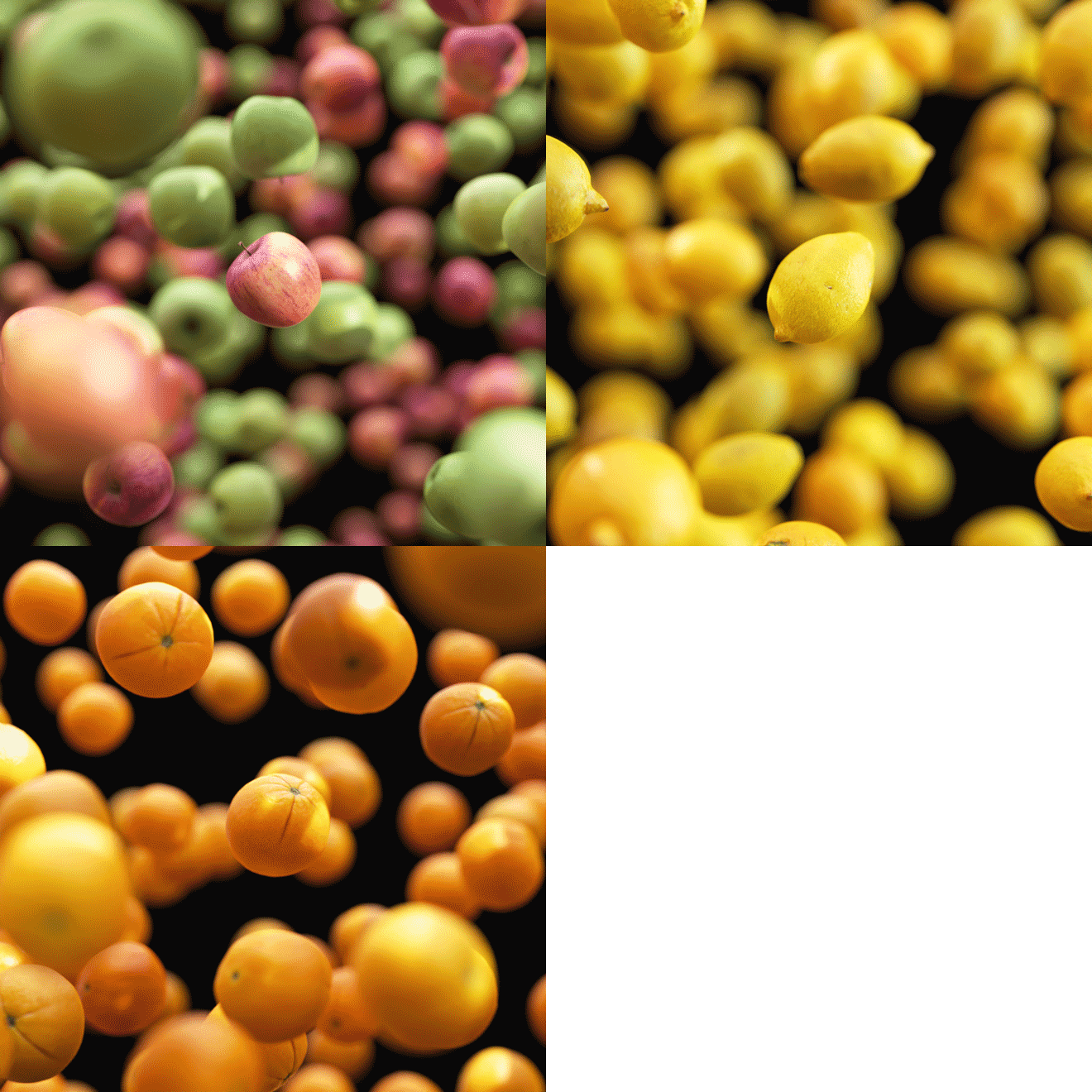
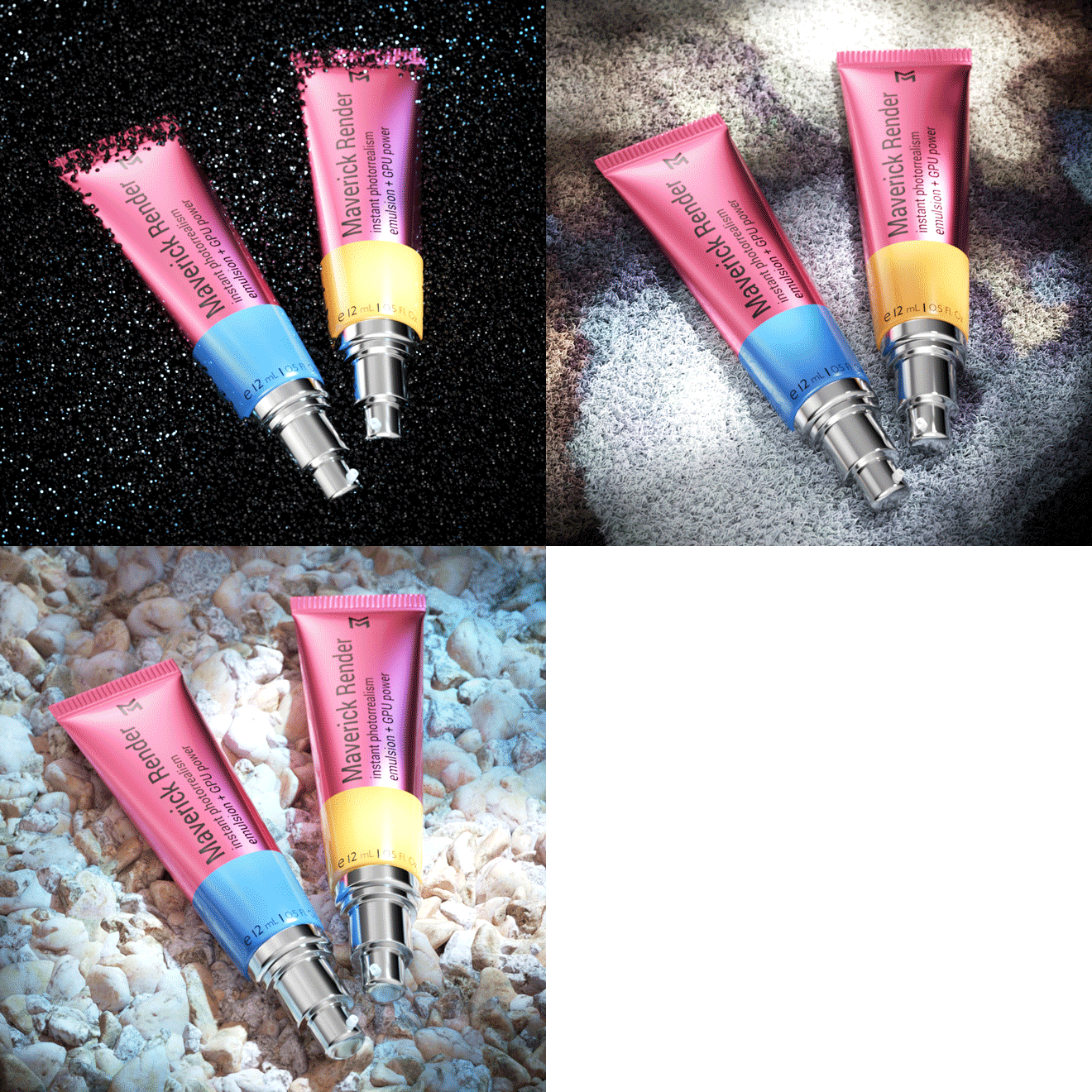
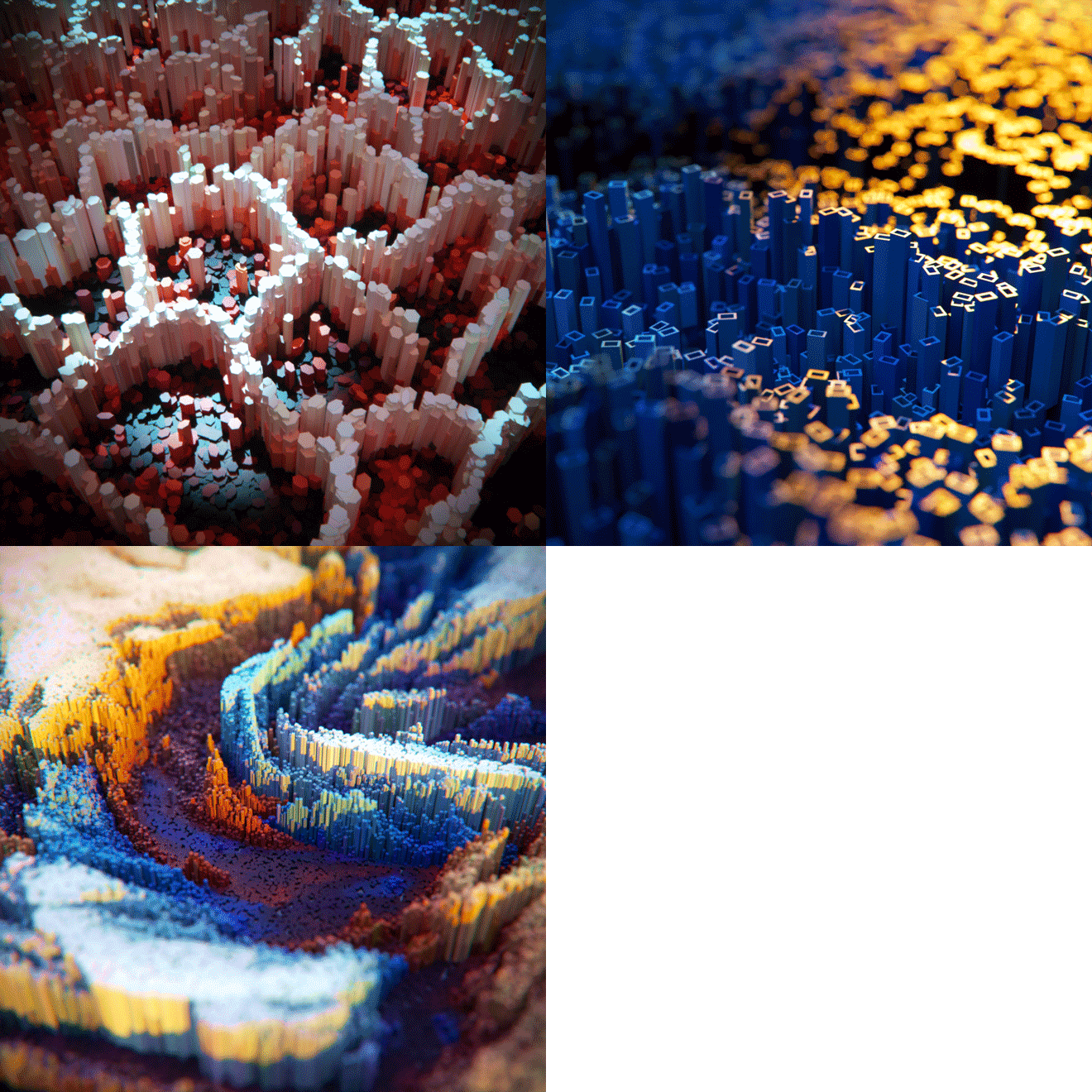
Our scatter system: Some technical details
- It is based on instancing, so massive populations are possible with a modest memory foot-print.
- It supports multiple simultaneous sources, which can be both individual or grouped objects.
- It supports collision detection.
- It supports global and per-source frequencies and density maps.
- It supports all sorts of transforms, which can be controlled both numerically and with texture maps.
- It combines well with every other feature in Maverick. i.e., one can scatter sources with displacement over a base object which also is displaced.
- It combines well with our UV mapping system.
- It provides an extra UV space so instances can inherit texturing/coloring from the base object.
- ...and much more (better watch the videos below!).
Scatter: Video-tutorials
We have recorded a decent length of footage to cover every single feature in our scatter system. There is an introduction video that goes through pretty much all the capabilities, and then there are four more videos that go through specific cases of use. Those will teach you how to use scatter in your models from scratch.
As with every release, we're truly excited to see what you can do with these new tools. :-)
Issues with display drivers
As many of you have noticed and reported, Nvidia released some weeks ago display drivers 496.XX. A couple of bugs in those driver's OptiX compiler "broke Maverick" and the solution for our users has been to not upgrade to drivers of versions higher than 472.XX. We have reported and discussed these issues with the Nvidia team, and meanwhile we've worked on our own on a solution to circumvent the problem.
The new release runs problem-free with all versions of the display drivers available, so you can feel free to upgrade to the most recent version (497.XX at the time of writing) if you want.
From now on we will display in the try page the version of the drivers each build has been developed with (and certified for). A similar message will be displayed in the Hardware page in the Preferences panel of the software.
--
Thanks for watching, and happy rendering!