Maverick Render 2026.4 - Caustics
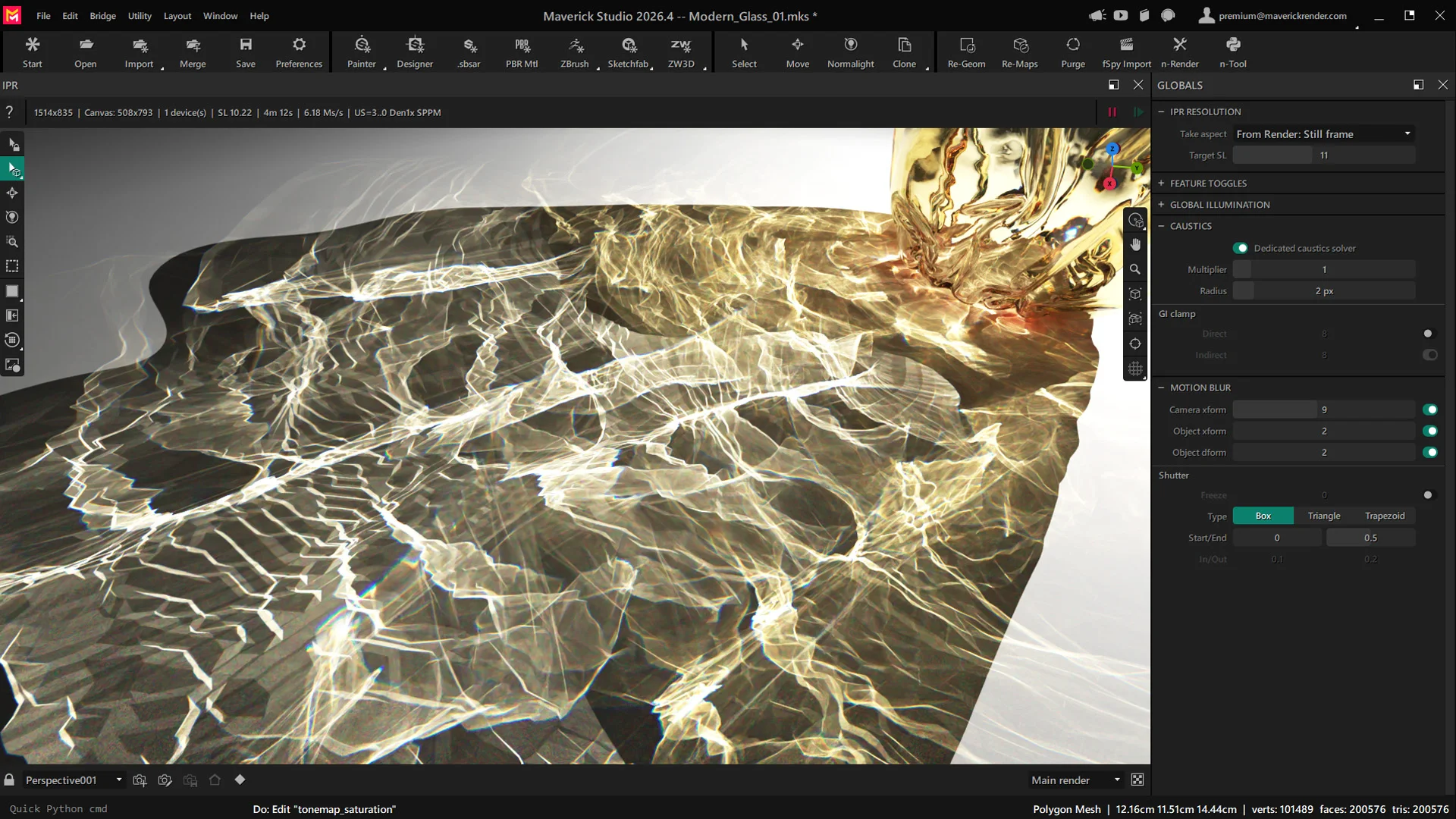
Rendering caustics has always been a major headache in virtually every render engine. It is a computationally expensive process, and there are several different algorithms used to tackle it.
Because Maverick Render is an unbiased engine, it has always been capable of producing caustics in most scenes, just at a steep cost in render time.
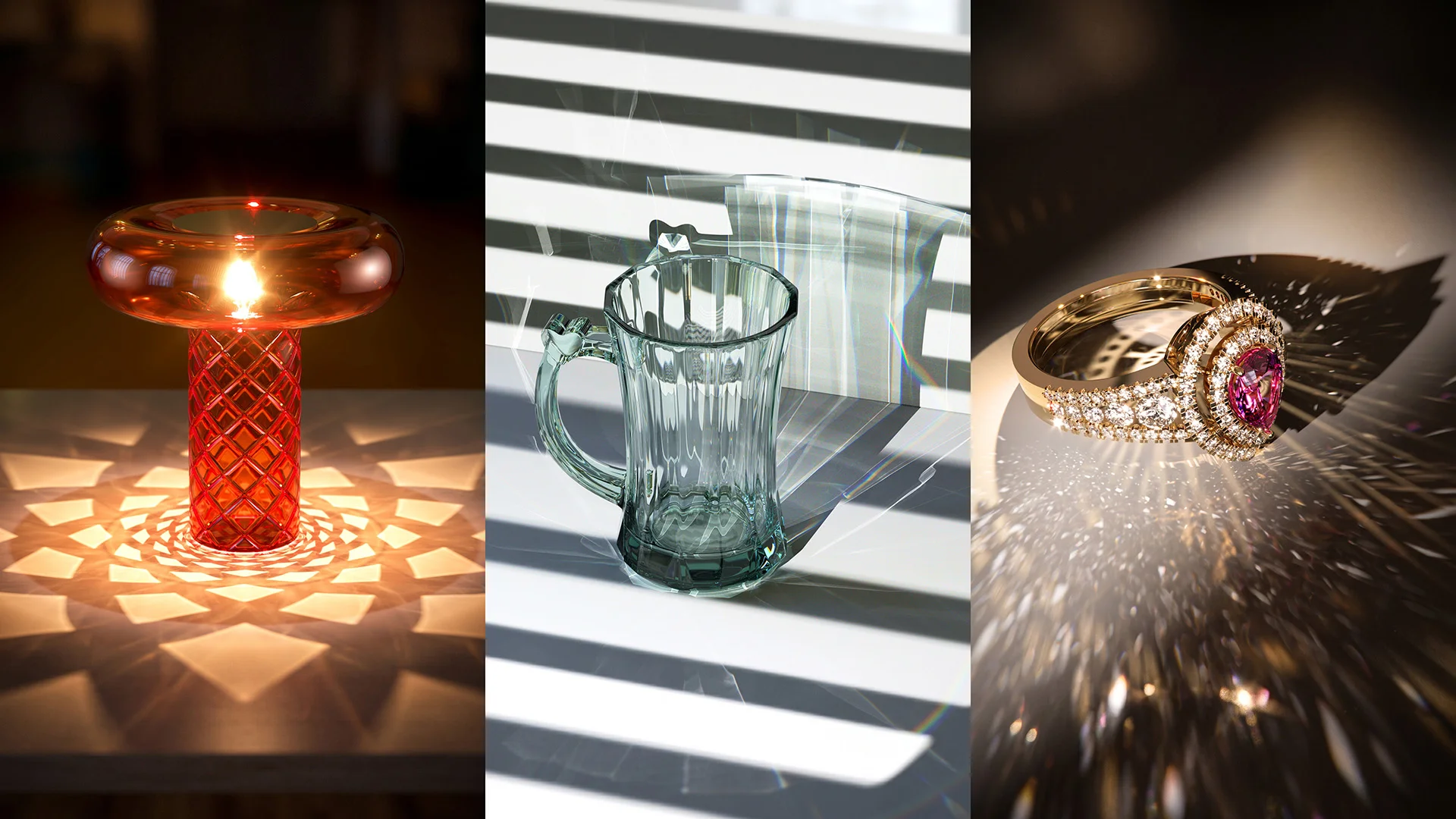
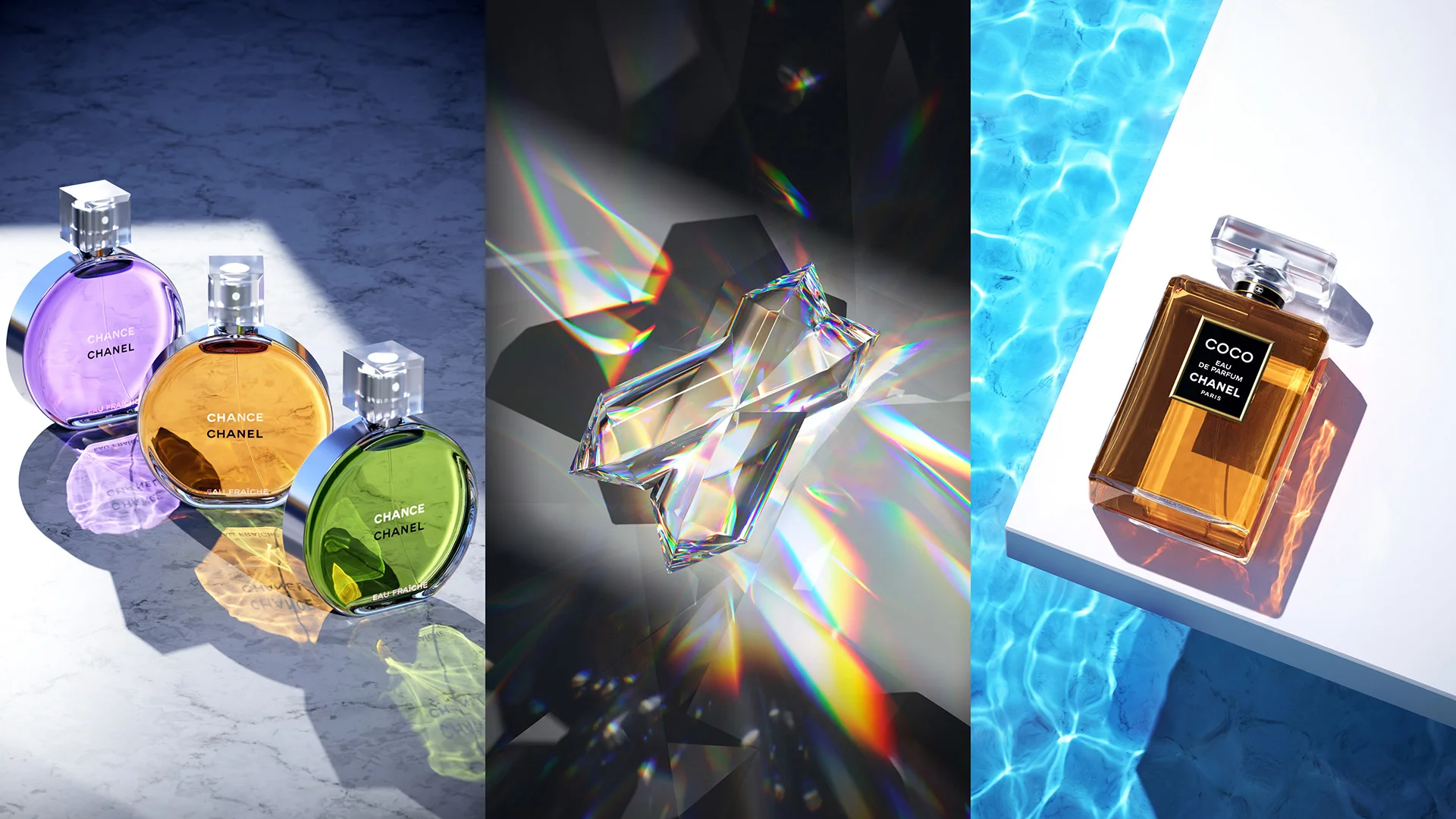
In this new release, we went back to the drawing board and implemented a brand-new caustics solver that handles even the most demanding scenarios with both speed and accuracy. Now, you can make caustics the star of your scene and achieve striking, artistic renders that simply weren't practical before, going head-to-head with engines long known for this feature, like KeyShot or Octane.
We've also put together a collection of samples and tutorials to help you master this eye-catching new capability.
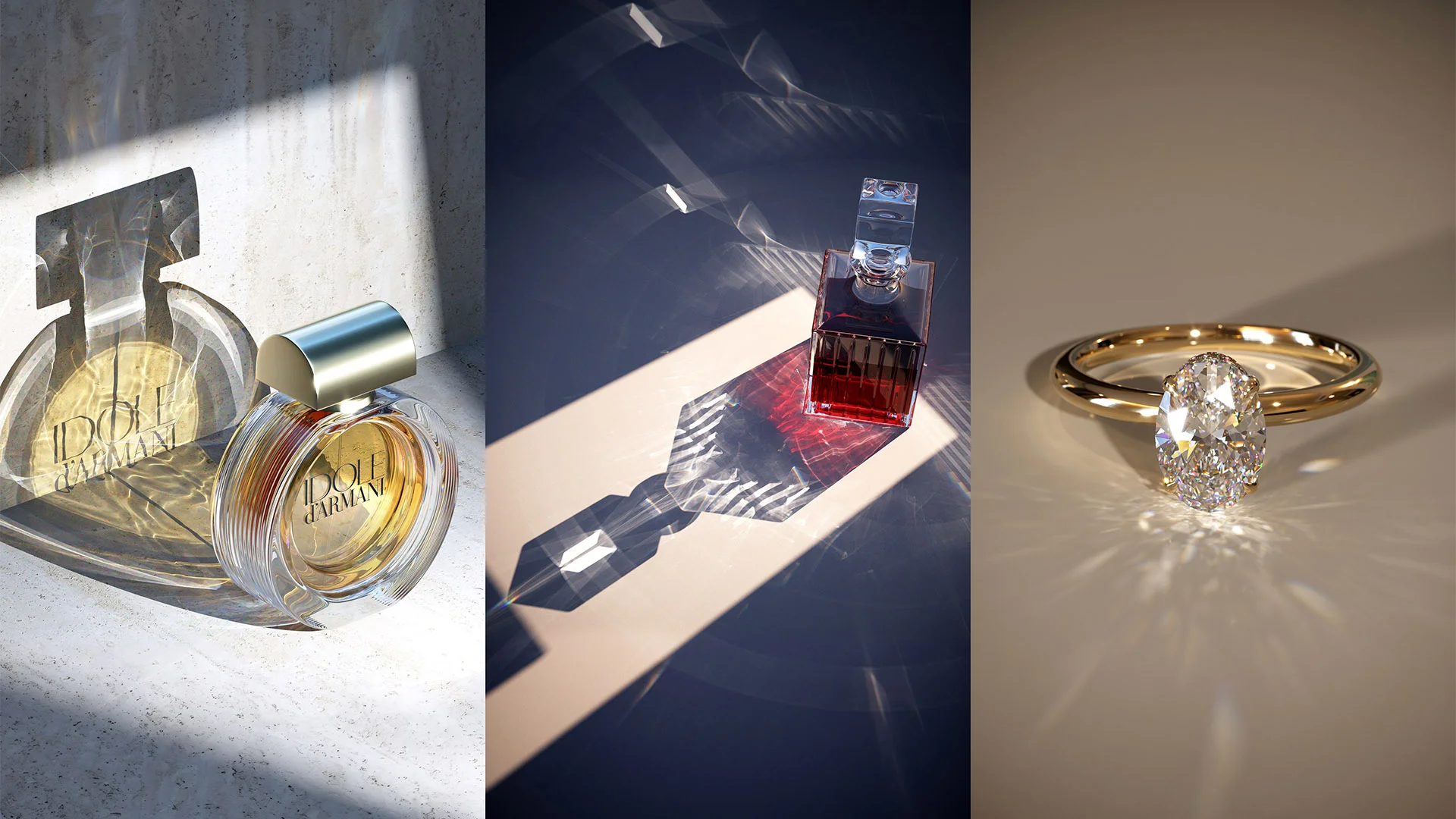
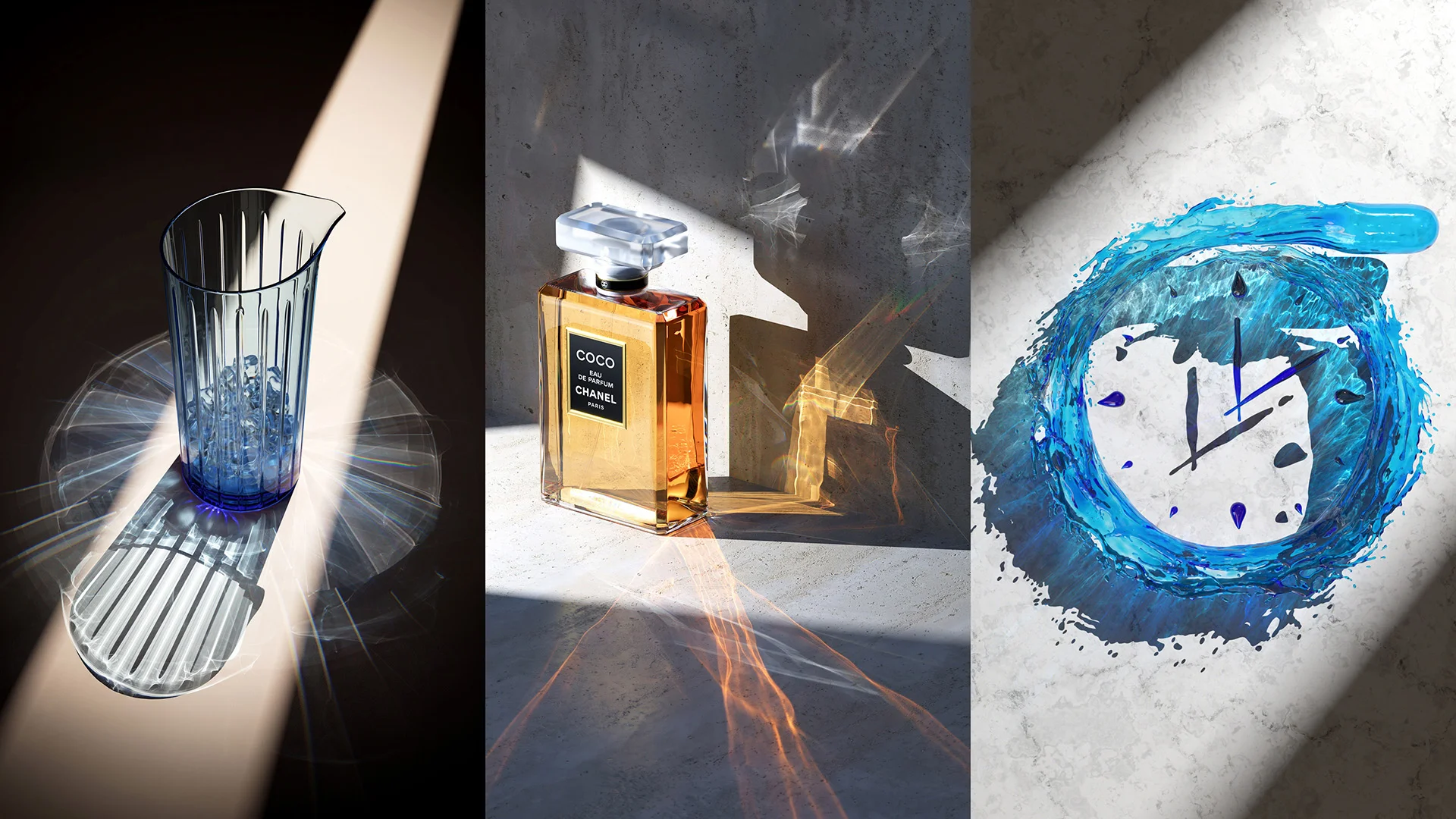
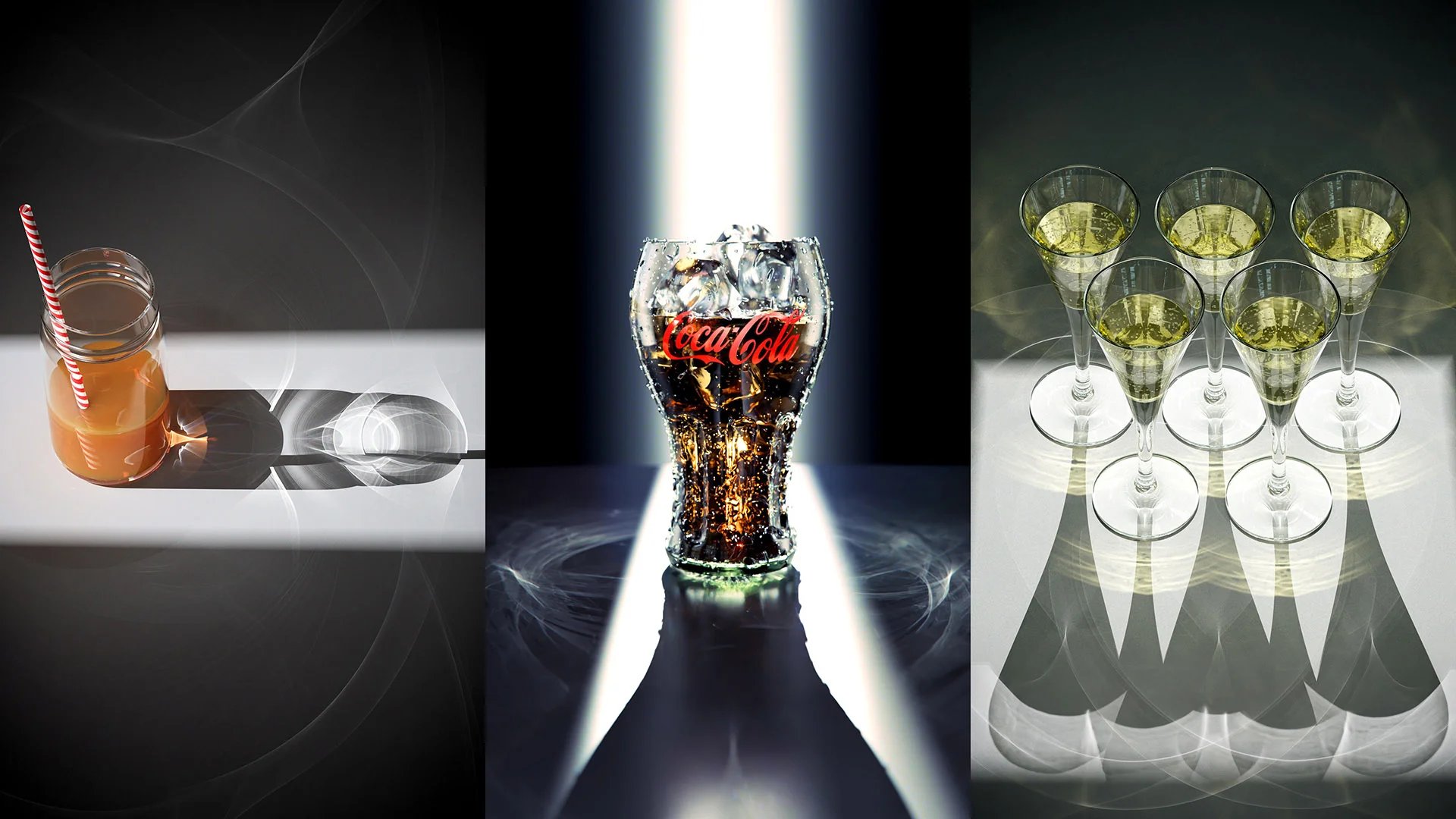
Getting Started with the New Caustics Solver
If you can't wait to install Maverick Render 2026.4 and dive right in, here are a few quick pointers to get you started.
You'll find the caustics settings right where they've always been, under Globals / Caustics:
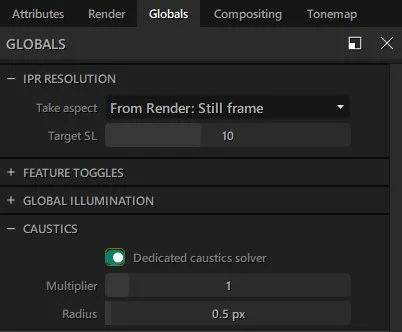
Simply enable the new solver, and your caustics will appear right away. Under normal circumstances, you won't even need to touch the default settings. That said, here is how you can fine-tune your results:
- Multiplier: Acts as an intensity booster. Feel free to use it artistically to make your caustics really pop.
- Radius: Expressed in pixels at a reference resolution of 1024px, so the same value gives the same look at any render size. Rendering larger does not call for a bigger radius. In most situations,
1pxis the sweet spot. - Lighting is Everything: Caustics rely completely on your scene's lighting. Use small, intense light sources to get crisp, well-defined caustics. While you will also get caustics from the Sun and IBL, our Hard Spotlight is the real star of the show here.
- Master Your Spotlights: Getting comfortable with spotlight controls will give you complete command over your look. Play around with
angle,penumbra,aspect, and spotlightshape, and use the Look Through Light view to aim them directly at your subjects with ease.
Pro Tip for Glass & Liquids: Adding subtle, fine bump maps to your surfaces will produce richer, more organic caustics, bringing an extra layer of realism and dynamism to your scenes.
Watch the Tutorials
Want to see it all in action? Check out the step-by-step video tutorials we've put together on YouTube:
Caustics 01: Red Liquid Bottle
Caustics 02: Orange Juice
Caustics 03: Perfume Bottle
Caustics 04: Perfume and Pool
Caustics 05: Dispersion
Caustics 06: Jewelry: Ring
More New Features in 2026.4
This release also packs plenty of fixes, improvements, and brand-new tools that we'll cover in detail in our next blog post. Here's a quick preview of what else is included:
- New Navigation Denoisers for a smoother, cleaner viewport experience.
- Batch Rendering Script to automate your render queues effortlessly.
- Tiled Rendering for producing ultra-high-resolution renders without running out of memory.
- Camera Enhancements, including orthographic cameras and a dolly-zoom effect that lets you adjust focal length while keeping your subject framed in place.
Black Friday & Cyber Week Sale: 25% Off!
To top it all off, this release lands right in time for Black Friday, kicking off our Cyber Week Sale with 25% off all Maverick Render products.
Don't miss out on our biggest discounts of the year, running from November 27 to December 6.

We hope you enjoy this release! Stay tuned for our upcoming blog post and more tutorials diving into the rest of the new features.
Cheers,
The Maverick Render Team